Sunday, October 27, 2013

Unrecognizable

Photo Credit
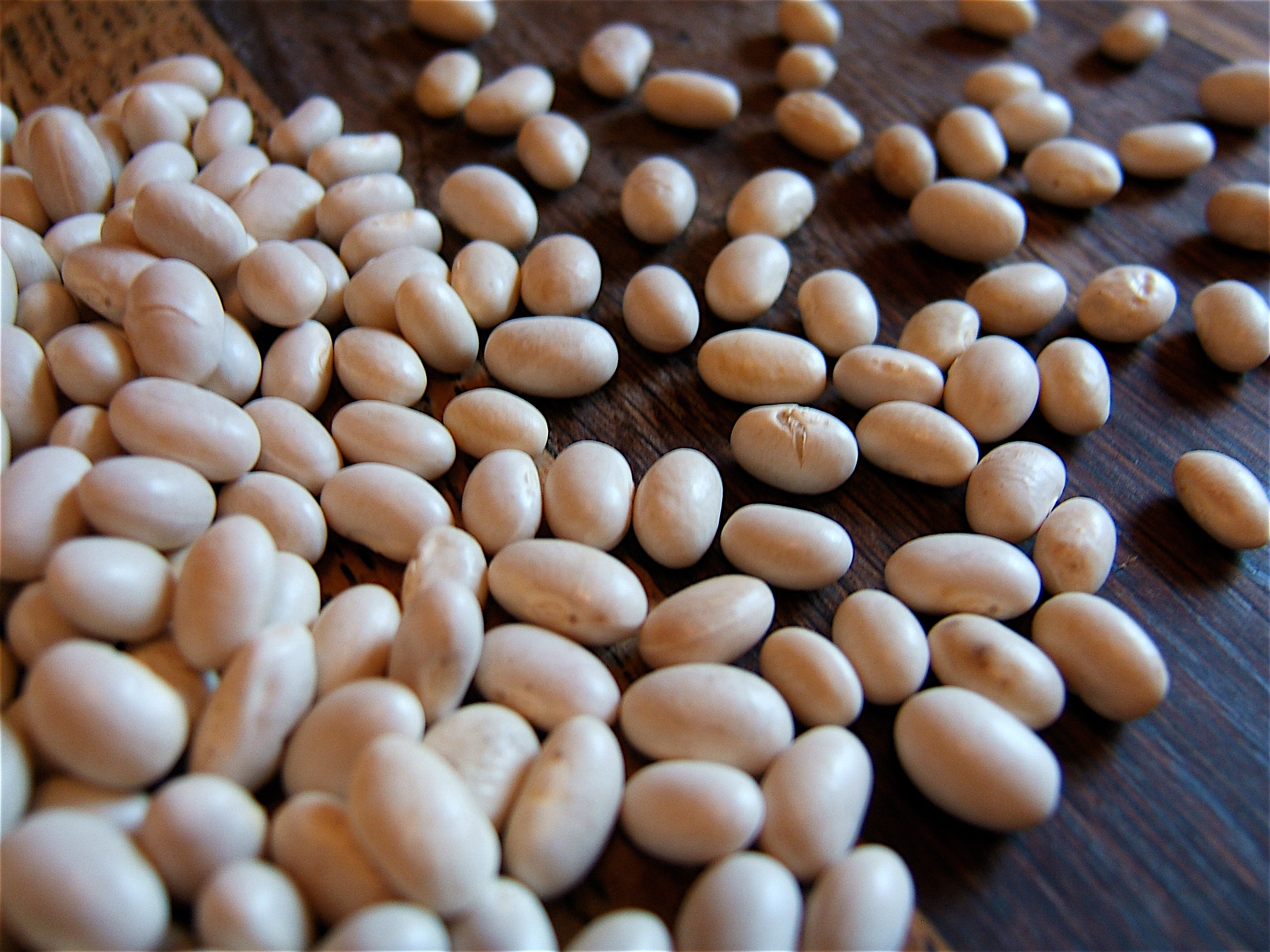
Sometimes I think aliens have invaded and taken over my body.  Tonight this beef-loving girl made lentil tacos and then set some navy beans out to soak for a bean dish later in the week.  What???  A month ago, the only beans in our diet were green or jelly.  Occasionally we'd have chickpeas, but only in the form of chocolate chip cookie dough dip.  A year ago, I didn't even know that chickpeas and garbanzo beans were the same thing! 

Part of conquering this home, however, is beating the grocery budget so we're becoming well-acquainted with all things legume.  Call me a dork, but I'm kind of excited because I think beans and lentils look nice in jars and when we get a kitchen (and hopefully the rest of the house, too) I'll have fun things to organize and label in the pantry. :)

Monday, October 14, 2013

App Review: Key Ring vs. mobile-pocket vs. CardStar

When I went through my wallet the other day, I was frustrated by how many store member cards I had to keep in my wallet.  All the grocery stores around here have them and then you add to that all of the restaurants, craft and office supply store cards.  Ridonculous.  Time to go digital.

I thought it would take days of crawling through apps and testing them to see which one I liked best, but one app quickly rose to the top.  There were not nearly as many options as I thought there would be and I compared three notable apps: Key Ring, mobile-pocket, and CardStar.  All of these apps are available on both iPhone and Android.


Key Ring (FREE)

  • Pros
    • unlimited cards stored locally to test without registering
    • online syncing/backup
    • simple interface, intuitive to use
    • works for member cards and store gift cards
    • ads are discrete - can be minimized to show only a single purple line at the bottom of the screen (shown at right)
    • Extras
      • built-in rewards programs for popular stores
      • special offers section customized for your zip code
      • displays circulars for nearby stores (customizable) from within the app
      • share-able lists with pictures
    • tracks balances for gift cards
    • links from gift cards to handy store info (maps, click-to-call, etc.)
  • Cons
    • ad-supported (I list this as a "con," but that's not necessarily true.  Free apps may switch to charged apps at any time, disappear from the market, or may not have very good customer support if you experience problems.)
    • extra features might not be that useful
    • not sure if the gift card balance really works - somewhat awkward to input value and I couldn't find where/if it did display the balance.
mobile-pocket

mobile-pocket (FREE)

  • Pros
    • no ads
    • online card syncing/backup
    • database of images for commonly used cards
    • clearly displays barcode
    • displays thumbnails of front and back of card
    • simple interface (LOVE the simplicity of this app)
    • search buton on opening screen
  • Cons
    • the built-in camera function uses a small viewable area and doesn't rotate, which makes it a bit awkward to use
    • images are smallish, even when enlarged (hard to read the text)
    • can't share with other users
CardStar screenshot

CardStar (FREE)

  • Pros
    • no ads
    • clean interface
    • database of popular merchants
    • ability to sync to other devices
  • Cons
    • doesn't store photos of cards
    • almost a little "too" simple.  It's not hard to navigate, but it did take longer than the other apps to figure out because of its minimalism

After playing with each of the apps, I pretty quickly ruled out Card Star.  It doesn't store photos of your cards.  I'm kind of skeptical of these apps to begin with and it comforts me to have the photos of the cards because if the barcode scanning doesn't work (many people report that the stores are not equipped to scan barcodes from the phone screen), at least I have all the information from the card in a photo so it can be typed in.  The first app I tried was Key Ring and I really liked it.  However, when I saw the beautifully simple interface of mobile-pocket I wanted to like that one better, haha.  Both apps run smoothly and have a lot of the same basic features (Key Ring has a ton of extras that I'm unlikely to use).  In the end, though, I decided to go with Key Ring.  Here's what sold me:
  • stores large, clear photos of the front and back of each card
  • designed for both member cards and gift cards
  • ability to click through to find store phone numbers and locations (a feature I do think I'll use)

As I said, I'm skeptical about how well these apps work and if they're really ready to replace the physical cards.  I'm giving it a trial run and I'm not throwing out any of the physical cards until I've tested the digital system for a couple of months.  Note: many stores (Panera, for instance) will let you just give them your phone number, negating the need for an app or a card.

A Note about Loyalty Cards:

It looks like there are some other apps out there that try to replicate the paper loyalty card system (the "buy 10 sandwiches get 1 free" type of card) digitally, but the one I tried couldn't connect to the server 2 out of 3 times when I tried it on different days and when I finally did get in, the interface was annoying and immediately deterred me.  Having just moved to a new area, I haven't accumulated any of these yet so, for now, I'm just going to leave this issue alone.  Feel free to comment about solutions you've found, though!


Thursday, October 10, 2013

Conquer Your Wallet in 30 minutes!

Today I decided to pare down the number of cards I carry in my wallet.  It started because I had some gift cards that were nearing their expiration dates and I wanted to make sure I used them up or got replacements for the ones already expired.  If you take a look at the picture below, I'll think you'll see why I thought this was a worthwhile endeavor:

Some of the cards in my wallet...
Does this look familiar?  Well then.  Let's do something about it!
  1. Remove every card from every nook and cranny of your wallet, purse, glove box - anywhere they might be hiding.  Count them up for the dramatic "before" number.  How many cards did I have?  42.  FORTY-TWO!!!!  That's like 10 pounds of plastic!
  2. Sort the cards into categories:
    • necessary (insurance cards, ID, debit/credit cards, etc.)
    • valid and expired store/restaurant gift cards
    • loyalty cards
    • sentimental
  3. Check balances on the all of the gift cards (even the expired ones).  You can usually do this painlessly through automated systems online, by text, or by phone.  Write the remaining balance on the face on the card (update this at the checkout the next time you use it).  Order replacements for cards that have expired but still have balances.  Note: sometimes there is a replacement charge to get a new card.  One of my cards had a $25 balance but I had to pay $15 to replace it so I'll only end up with $10.  It's still something, but it drives me crazy that I didn't just use these cards right away!  Throw out the cards that have been used up or are no longer valid.
  4. Organize the remaining cards in a way that makes sense in your wallet.  My wallet has four card "pages" and I keep all the required cards together on two pages and put the remaining on the other two pages.  I will put multiple cards in one slot if they are for the same store.  If you can bring yourself to do it, throw out the sentimental cards or store them with other sentimental trinkets.
  5. Celebrate!  Chances are good you found a gift card you didn't know you had.  Plan to put those gift cards to use.  I see Coldstone Creamery in my future... :)
Tips:
  • Some gift cards lose value each month after a certain time period so, even if you had a balance of $25 on a VISA gift card two years ago, it may have dwindled to $2.17 (true story).
  • If you have multiple cards for the same store, use the cards with the smallest balances first so you can pitch them.  Also see if you can combine the balances of the remaining cards to a single card.
  • If you use a digital shopping list, add a reminder in the form of an "item" to each store for which you have a gift card.  My Target shopping list now says "Anne has a gift card $25" so I'll remember to pull it out when I go shopping.
  • Keep the gift cards near your credit card or cash so when you go to pay it'll jog your memory.
At the end of the day, I was moderately successful.  I still have 22 cards in my wallet, but I'd say they're all required or useful and I came across a few gems in the process (that were removed from my wallet!).

Required:
  • Drivers' License (1)
  • Credit/Debit Card (1)
  • Insurance cards (4 - required to carry.  Grr...)
Useful:
  • Store/restaurant gift cards (12 - still enjoying wedding gifts!)
  • Loyalty cards (5*)
Gems:
  • Student ID from the community college I attended in high school
  • video rental card for the grocery store near my parents' house that no longer offers this service
  • Debit card for an account I shut down a year ago and never even used while I had the account because I couldn't remember the pin...
  • Borders gift card and membership card (when did that store shut down?)

*Stay tuned for an upcoming post on going digital with reward/loyalty cards!
I came across a few gems:

It kills me to know that I wasted and lost value on gift cards and rebate cards simply because I lost track of them!  Gah!  I figure I lost about $70 in value from service fees, stores gone bankrupt, and replacement card charges.  My number one takeaway from this exercise is to USE GIFT CARDS IMMEDIATELY.  I always want to save them for something "special" instead of the ordinary purchases, but let me tell ya a stuffed wallet and regret ain't special!  Use them for the boring purchases and add the value of the card to a virtual "fun money" fund in your budget where it'll never expire.  It also makes me wonder if gift cards are really such a great gift.  Lately, when I am totally at a loss for something personal, I've been getting Amazon.com gift cards because the recipient can simply enter the code into their Amazon account and the next time they order, Amazon will automatically apply it to their next order.

How'd you do?  Come across anything particularly noteworthy?  Find any long-lost cards with that still had value?